01
What problem are you solving?
Identify the real limitation first: comfort, precision, sound, control access, cable clutter, streaming workflow, desk space, or simulation immersion.
Kryvex Buying Guides
Compare gaming mice, keyboards, audio, controllers, streaming tools, simulation controls, and desk accessories by the features that affect everyday use—not by specifications alone.

The Buying Framework
Good buying decisions become easier when you separate actual needs from attractive specifications. Use these four questions before comparing individual products.
Identify the real limitation first: comfort, precision, sound, control access, cable clutter, streaming workflow, desk space, or simulation immersion.
Competitive gaming, casual play, streaming, voice chat, racing, flight simulation, and mixed productivity place different demands on the same category.
Consider available ports, platform compatibility, desk dimensions, existing peripherals, software requirements, wireless preferences, and physical mounting.
Prioritize the features that affect daily use. Extra controls, lighting, software options, or extreme specifications add value only when they support your real workflow.
Mice, Keyboards & Desk Control
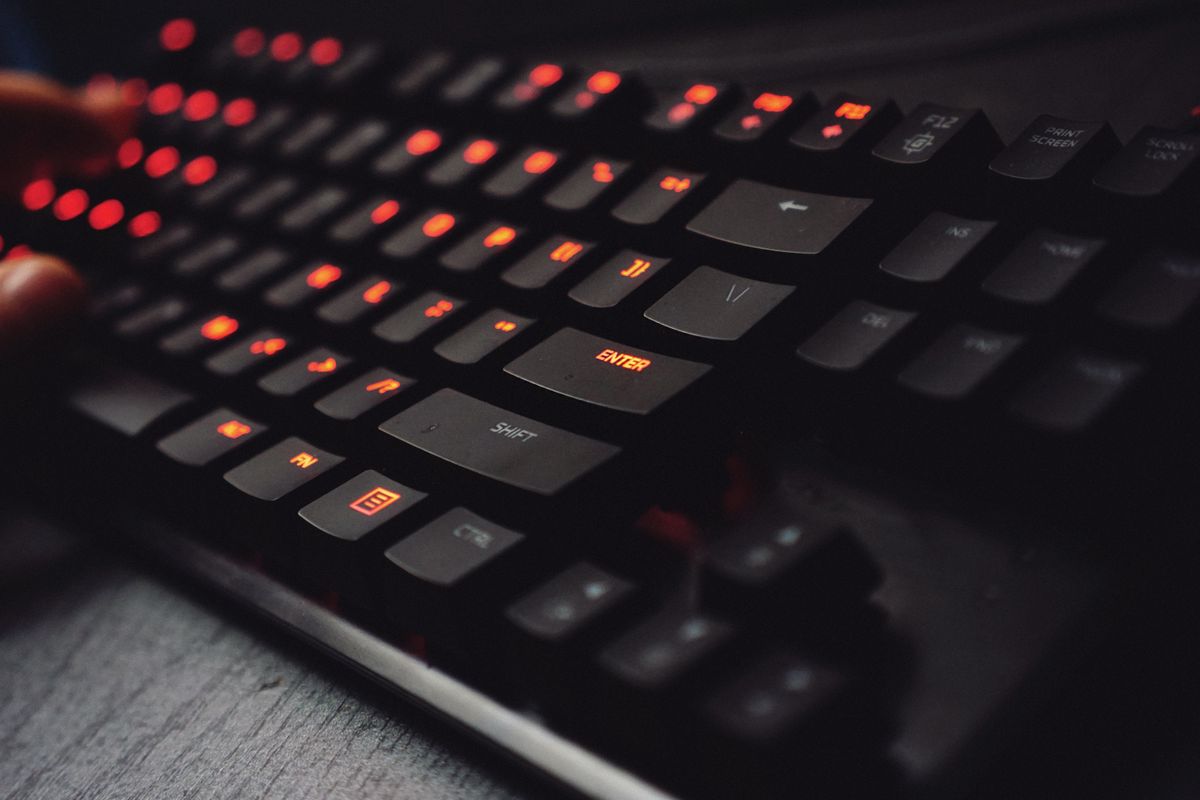
The best input device is the one that disappears into the way you play. Comfort, layout, weight, surface feel, and control placement often have more impact than headline specifications.
Compare shell shape, hand size, grip style, weight, side-button access, wired or wireless preference, and sensor consistency.
Surface friction, dimensions, desk coverage, edge construction, and thickness influence how consistent movement feels.
Decide whether you need a number pad, navigation cluster, dedicated media keys, or maximum mouse space before comparing switches.
Macro pads work best for repeated shortcuts, creator actions, media control, productivity commands, and workflow automation.
Audio Buying Guide
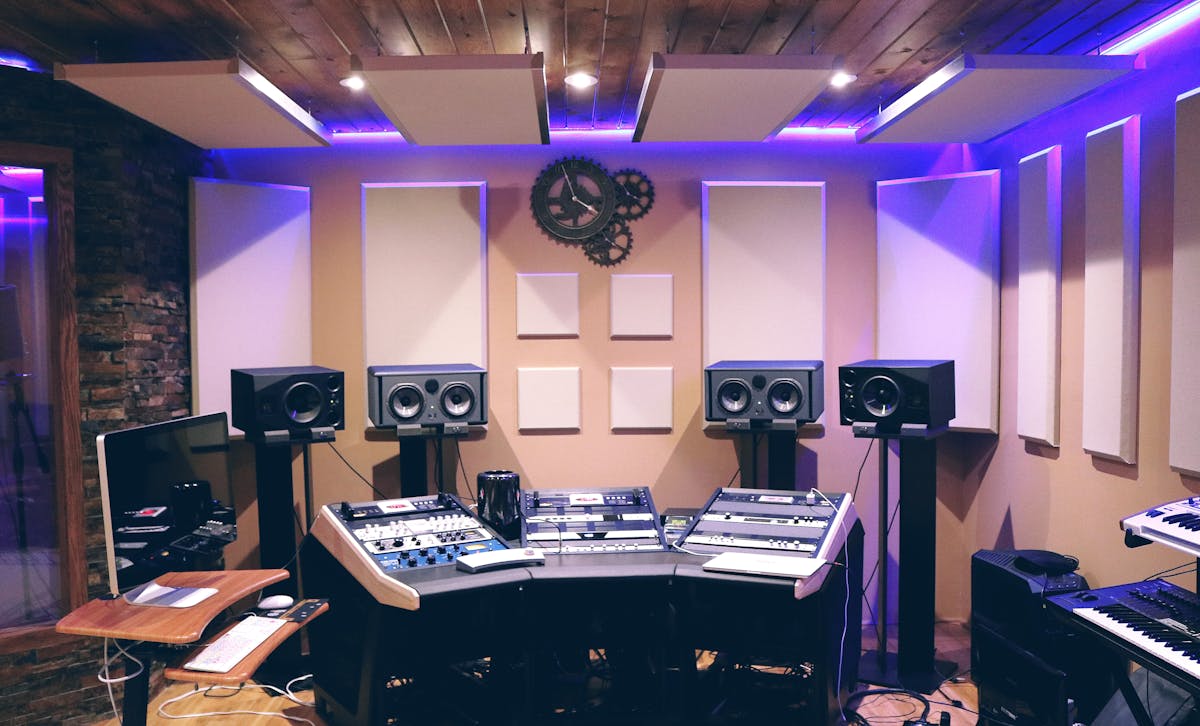
Headsets, microphones, DACs, mixers, and sound cards solve different problems. Decide which part of your audio chain needs improvement before adding another device.
Compare long-session comfort, positional detail, isolation, microphone requirements, connectivity, and device compatibility.
Prioritize voice clarity, pickup behavior, mounting options, distance from your mouth, and control over keyboard or room noise.
Consider them when you need additional audio connectivity, easier volume control, output switching, or improved system flexibility.
More useful for multi-source setups where game, microphone, communication, music, or stream audio needs independent control.
Product Guide Index
Each category has a different buying logic. These short guides highlight the decisions that matter before you begin comparing individual products.
Compare grip fit, weight, button access, wireless behavior, battery needs, sensor consistency, and the games you play most often.
Review mouse factors →Look at dimensions, friction, stopping control, desk coverage, thickness, edge stitching, and the sensitivity you normally use.
Review surface factors →Compare layout, switch feel, keycap profile, connectivity, programmability, dedicated controls, and your preferred typing experience.
Review keyboard factors →Consider fit, weight, isolation, directional detail, microphone use, wired versus wireless operation, and platform support.
Review audio factors →Compare stick placement, trigger feel, rear inputs, remapping, connectivity, grip comfort, and support for your gaming platform.
Review controller factors →Identify recurring actions first, then choose capture, camera, microphone, or stream-control hardware that removes those repeated steps.
Review creator factors →Streaming & Creator Buying
A strong streaming setup begins with understanding where video, voice, game audio, controls, and camera content enter the workflow. Once the path is clear, the right hardware becomes easier to select.
A capture card is useful when a console, camera, secondary system, or another external source needs to enter a recording or streaming setup.
Camera placement, framing, lighting, field of view, and background matter alongside resolution.
Match the microphone to room noise, desk layout, mounting possibilities, speaking distance, and how much live adjustment you need.
Stream controllers become valuable when scene changes, shortcuts, audio adjustments, or application controls happen repeatedly.
Controllers & Simulation
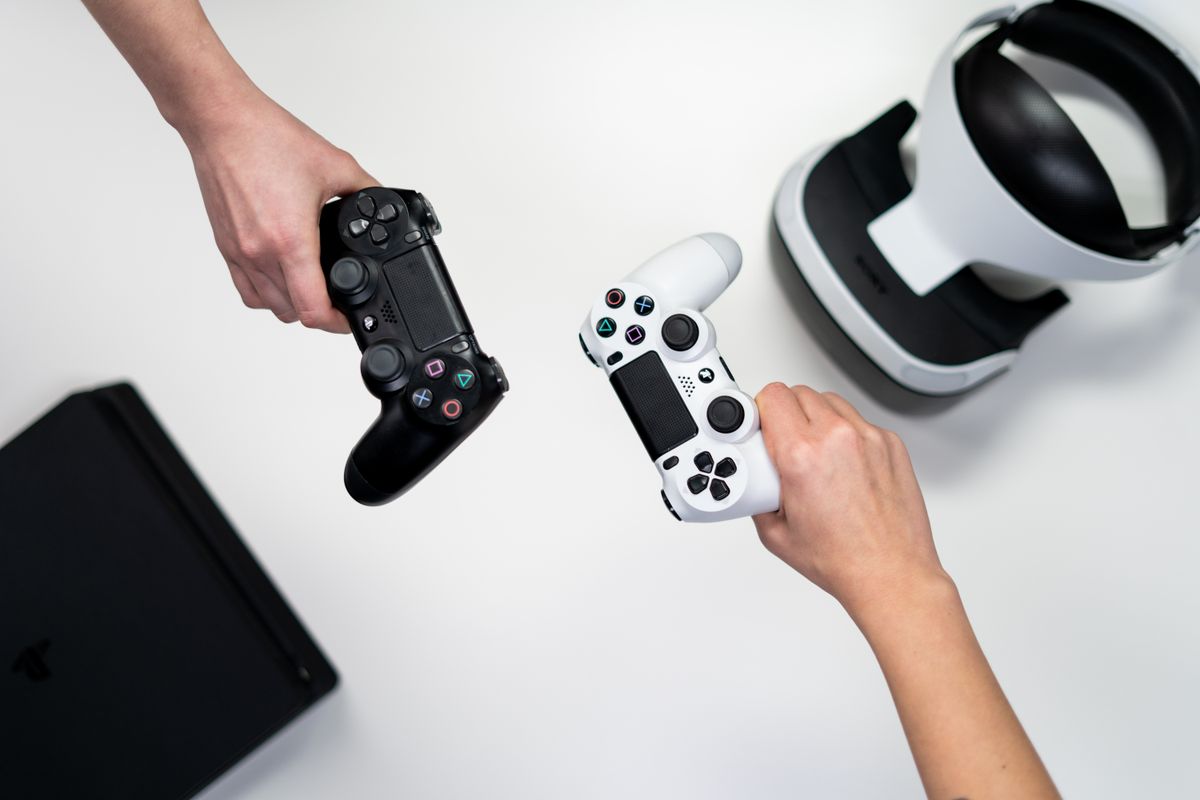
Racing and flight controls can transform gameplay, but they also demand more physical space and setup planning than conventional peripherals. Start with the room around you before comparing advanced features.
Best when flexibility, quick setup, compact storage, and broad game support matter more than dedicated simulation controls.
Compare wheel mounting, pedal placement, available desk depth, feedback preference, and how permanent the setup can be.
Consider axis count, throttle needs, button access, mounting, software support, and whether your desk can keep controls within reach.
Heavier input hardware benefits from a stable desk and secure mounting so physical movement does not compromise control precision.
Budget Planning
Price alone does not define value. A better buying strategy is to allocate more of the budget to the hardware you touch, hear, or depend on most often.
Replace the device causing the clearest problem—poor comfort, unreliable connectivity, limited controls, weak audio, or insufficient space.
Pair complementary improvements such as mouse plus desk mat, microphone plus mounting, or controller plus ergonomic desk placement.
Premium features make more sense when you know exactly why you need advanced controls, creator routing, simulation inputs, or customization.
Before You Buy
A few practical checks can prevent compatibility problems, unnecessary upgrades, and products that do not fit the way your desk or gaming workflow actually works.
Confirm platform, connection type, available ports, software requirements, and any device-specific support you need.
Check desk width, depth, clearance, mouse movement area, monitor placement, and storage for equipment when not in use.
Consider hand position, reach, headset pressure, controller grip, microphone placement, and longer-session ergonomics.
Choose the features you expect to use regularly instead of paying primarily for specifications that will remain unused.
24/7 Product Help
Kryvex support is available around the clock for product questions, category guidance, compatibility concerns, order assistance, shipping, returns, exchanges, and help choosing between different setup options.