Fast, open, and movement-first.
Keep the center of the desk clear, prioritize mouse space, use a compact keyboard, and keep essential controls within immediate reach.
Kryvex Setup Inspiration
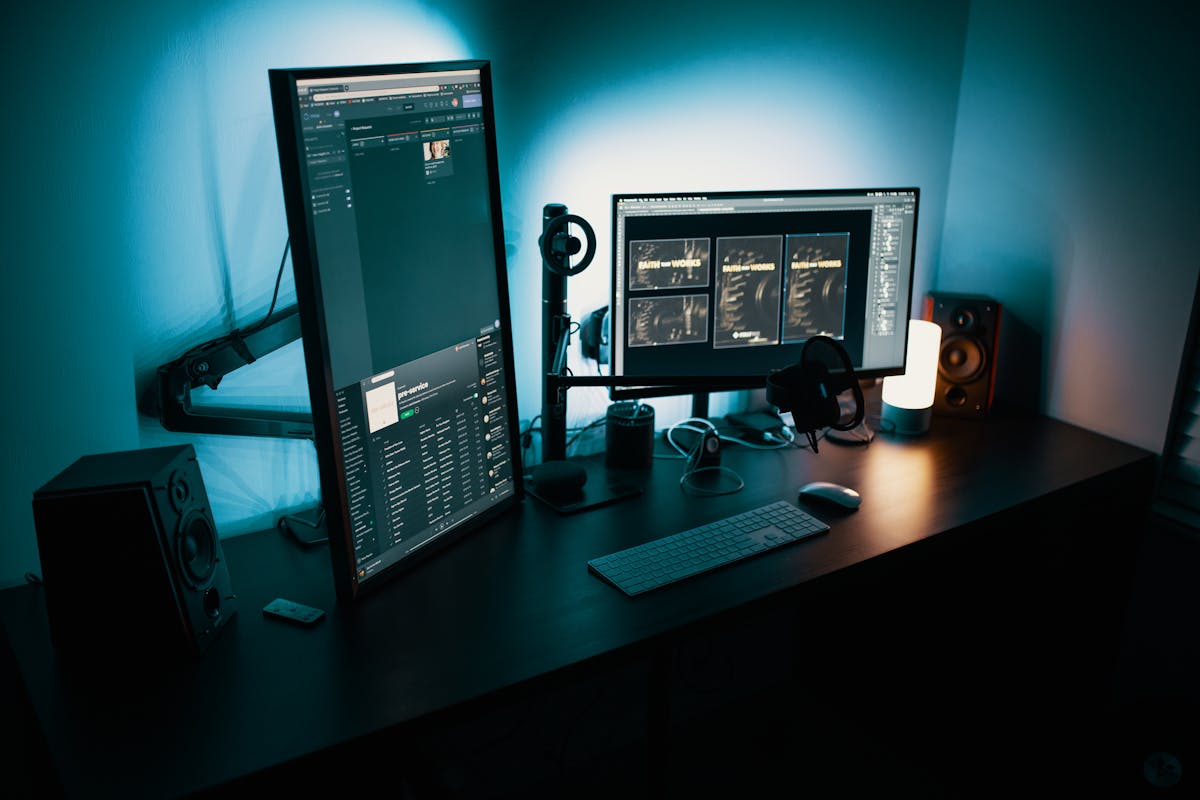
Explore setup ideas built around precision, streaming, simulation, comfort, desk flow, and restrained RGB. Use these concepts to shape a gaming environment that supports how you actually play and create.
Choose a Direction
A strong setup feels intentional because every product has a role. Choose a direction first, then build around the controls, audio, creator tools, and desk space that support it.
Keep the center of the desk clear, prioritize mouse space, use a compact keyboard, and keep essential controls within immediate reach.
Build around strong audio, balanced lighting, clean sightlines, and peripherals that reduce visual clutter during longer sessions.
Give microphones, cameras, capture tools, and stream controls their own zones so live actions stay predictable and easy to reach.
Reserve stable mounting areas for wheels, pedals, flight controls, and gamepads without crowding your primary keyboard and mouse zone.

Competitive Desk
A competitive setup benefits from restraint. Clear space around the mouse, shorten the distance to primary controls, and keep only the gear that supports speed, accuracy, and repeatable hand placement.
A large mouse pad or desk mat gives lower-sensitivity players more usable travel without hitting nearby objects.
Compact keyboards and keypads can open additional desk space while keeping essential gaming inputs close to the movement zone.
Route cables behind the primary control area so they do not interfere with mouse movement, keyboard position, or controller access.
Desk accessories should improve reach, organization, or comfort rather than simply fill empty areas.
Audio-Focused Setup
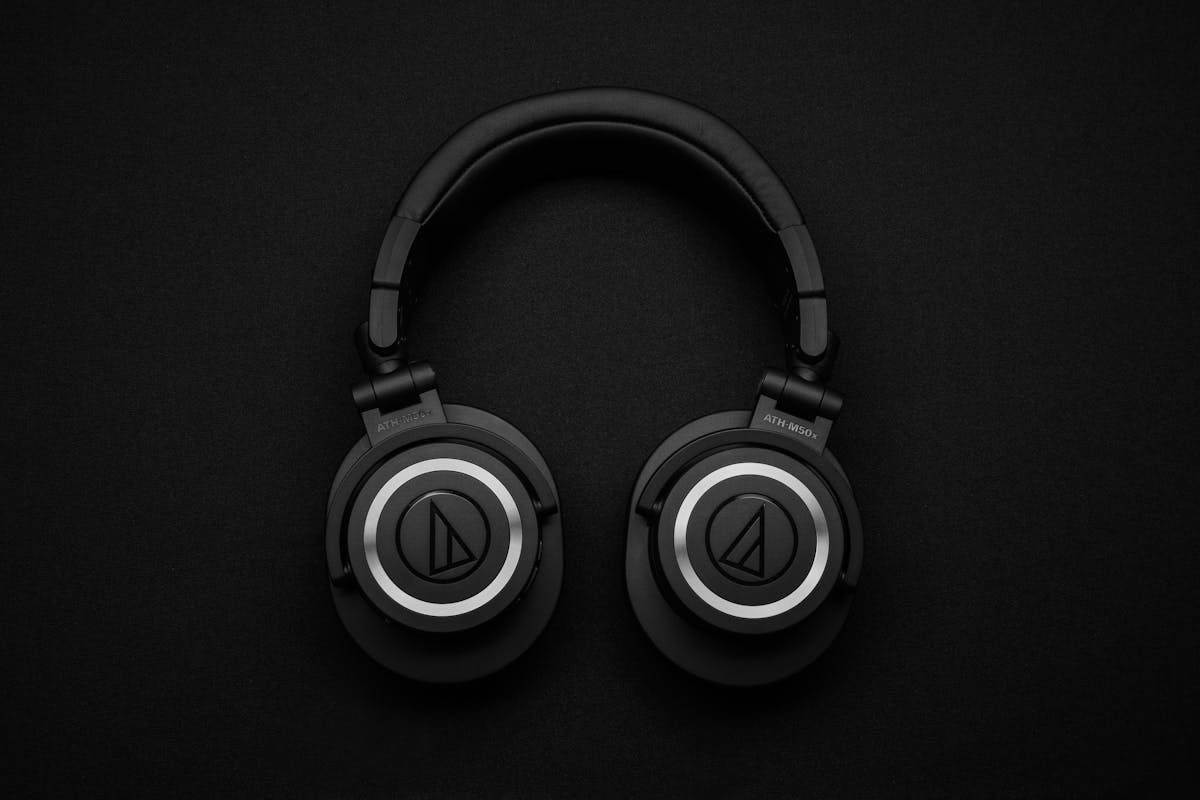
An audio-centered gaming desk feels calmer when every device has a clear purpose. Separate listening, voice capture, and audio control so adjustments stay simple during play or streaming.
Keep your primary listening device easy to store and immediately accessible without crossing the keyboard or mouse area.
Position the mic close enough for clear voice capture while keeping the boom arm or stand outside your main control path.
Place physical controls where volume, mute, source switching, and monitoring can be adjusted without breaking focus.
Reduce unnecessary desk noise and keep microphones away from vibration-heavy surfaces where practical.
Desk Layout Planning
A better setup is easier to maintain when each category has a home. Keep the center optimized for play, then place creator, audio, and secondary controls around that core.
This is the most active area. Keep it open, comfortable, and free from devices that interrupt hand movement.
Place audio controls close enough for quick adjustment but outside the main gaming movement path.
Keep frequent creator actions accessible from your seated position without forcing constant reach across the desk.
Less frequently used gear should remain organized and available without occupying the most valuable central space.
Creator Setup Inspiration
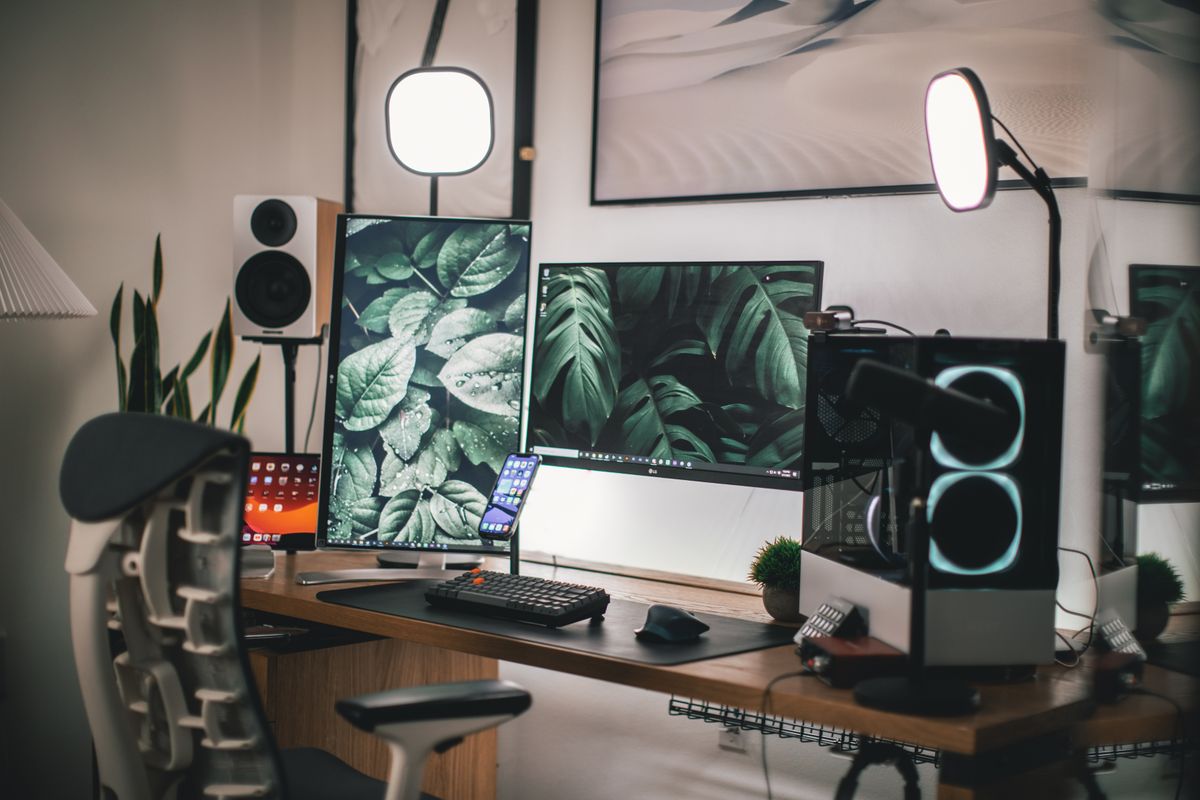
A polished creator setup should reduce the number of movements between gameplay, voice control, camera management, and scene changes. Put the most-used controls where your hands naturally return.
Keep the camera near eye level and frame it so lighting and background feel intentional without consuming valuable desk space.
Place creator controls near the keyboard edge so scene changes, mute actions, and shortcuts remain easy to trigger.
Keep capture devices organized with clean cable paths so video connections remain accessible without crossing the primary desk area.
A boom arm can keep the mic close to your voice while preserving desk surface for keyboard, mouse, and control devices.
Simulation Setup
Racing wheels and flight controls need more than an open USB port. They change posture, desk clearance, mounting needs, and how quickly the setup can transition back to standard keyboard-and-mouse use.
Leave a clear desk edge for wheel bases, flight sticks, or other controls that require secure mounting.
Plan chair position and lower-desk space so pedals and foot controls remain usable without forcing an awkward seated posture.
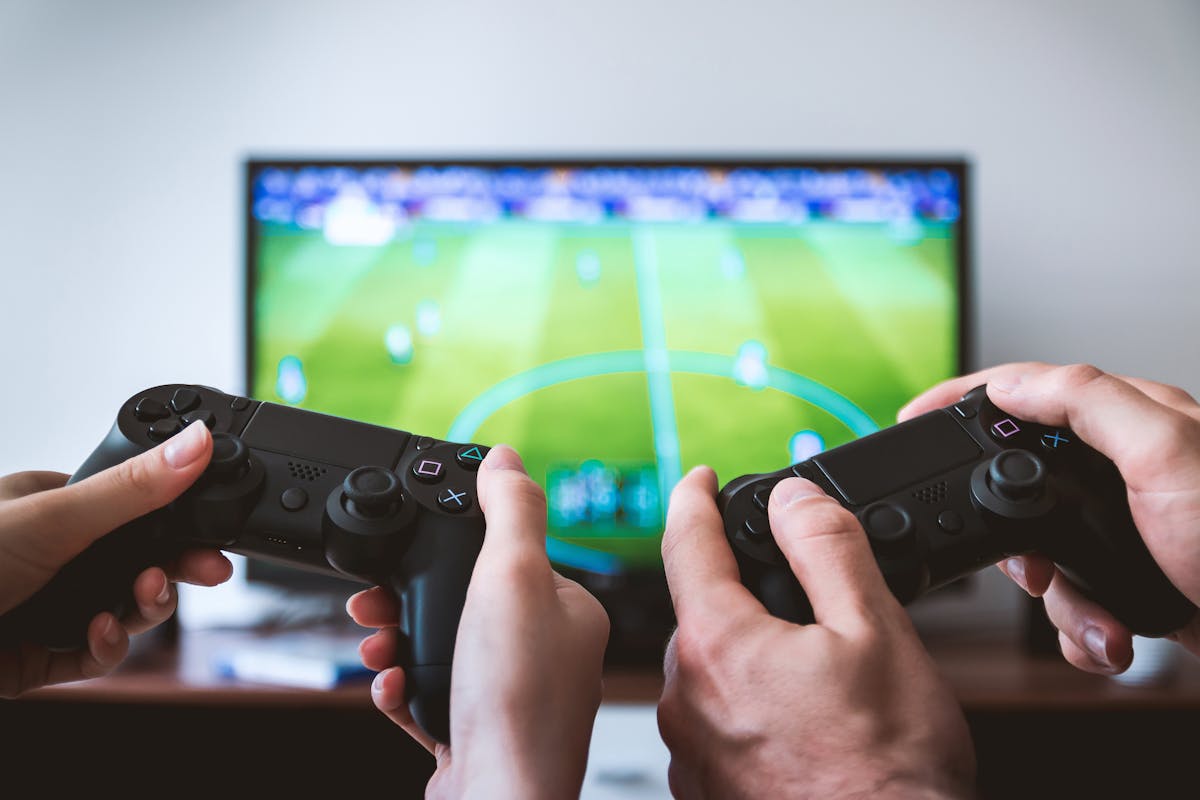
Gamepads, throttles, macro controls, and keyboards should remain accessible without requiring a full desk rearrangement.
If the setup is not permanent, decide where larger controls will go when you return to a standard desk layout.
Final Setup Check
Before adding another peripheral, check whether the setup still protects movement, comfort, reach, and a clear visual rhythm.
Your mouse, keyboard, controller, and chair can move naturally without running into decorative or secondary equipment.
Frequently used buttons, audio controls, and creator actions stay within comfortable seated reach.
RGB and accent lighting create atmosphere without overpowering the display, controls, or visual clarity of the setup.
Each visible product supports control, sound, creation, immersion, comfort, or organization instead of simply occupying space.
24/7 Product Help
Kryvex support is available around the clock for product questions, category guidance, compatibility concerns, orders, shipping, returns, exchanges, and help selecting gear for your gaming or creator space.